Engineering Sciences
Home Programs Level 2
02 Applied

Engineering Sciences

Ages 12 — 18

The transition from playful exploration to real-world engineering. Students write real code, build real circuits, design real parts, and work with the exact same tools used by professional engineers worldwide.
Theory First. Then Hands On.
Like a Real Engineering School.

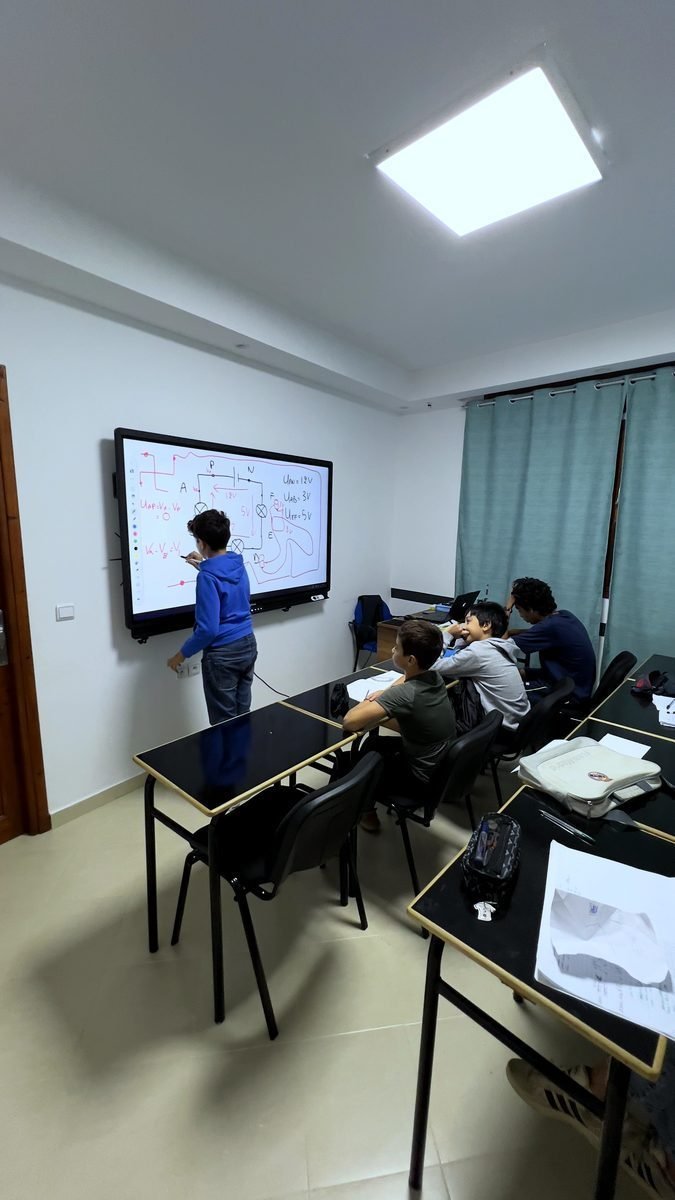
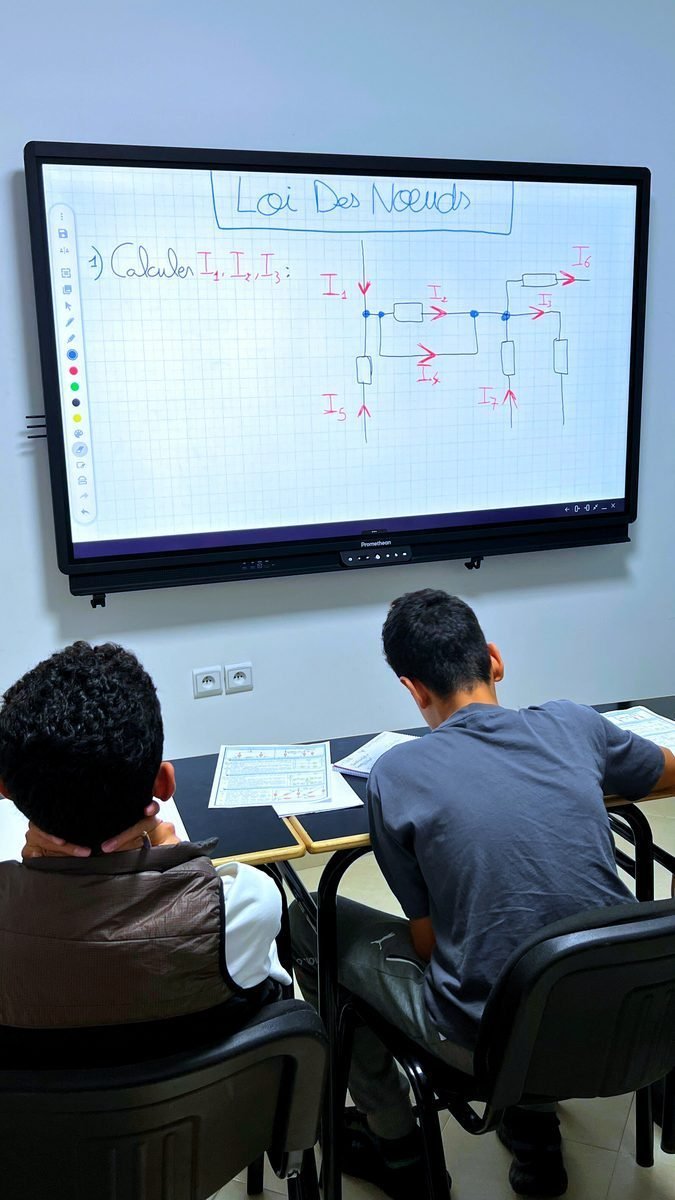
Level 2 begins on paper. Before touching a single wire, students build a rock-solid foundation in electronics physics: Kirchhoff's laws, Ohm's law, power calculations, and the physical flow of electrons through conductors and semiconductors.

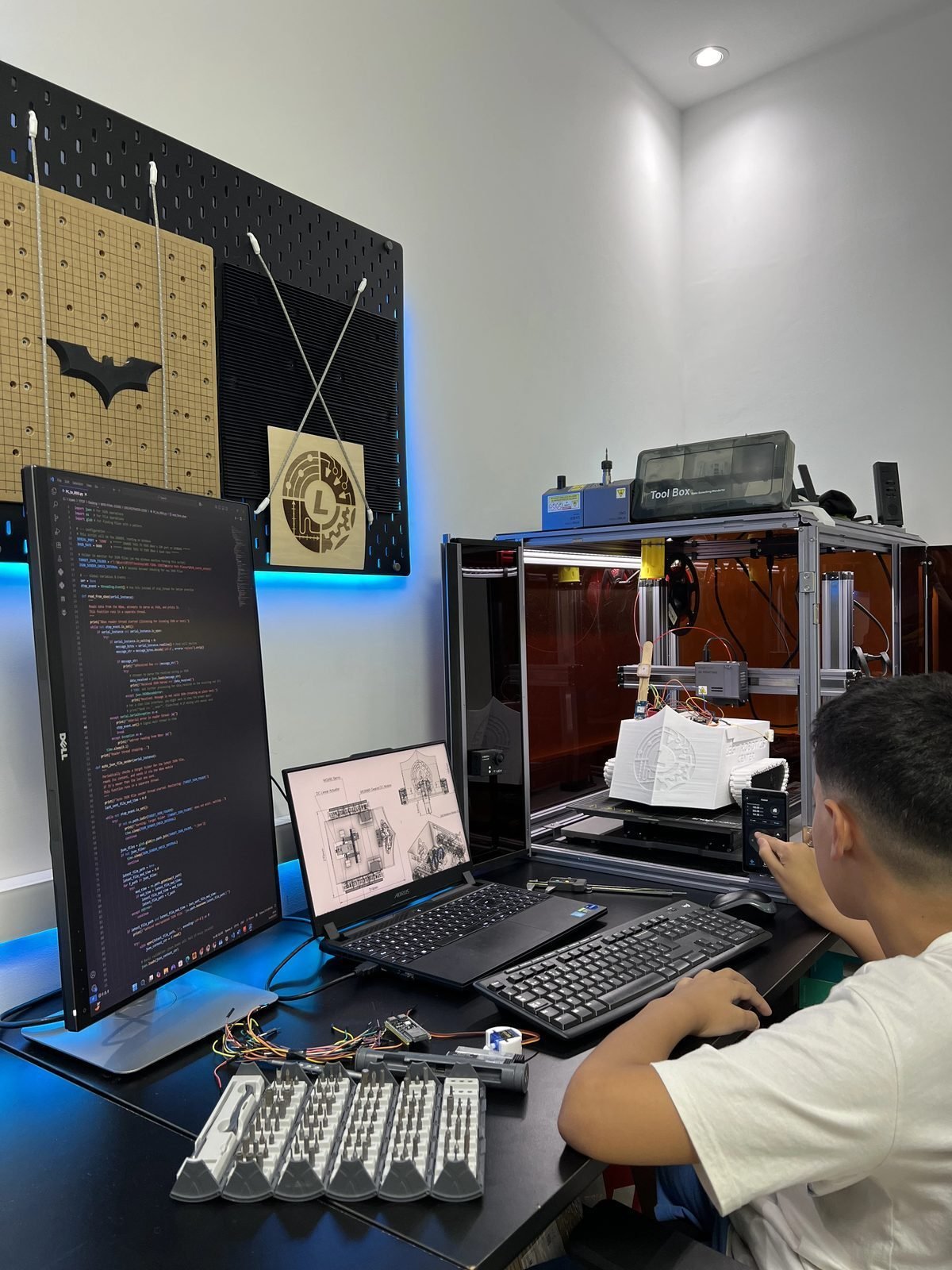
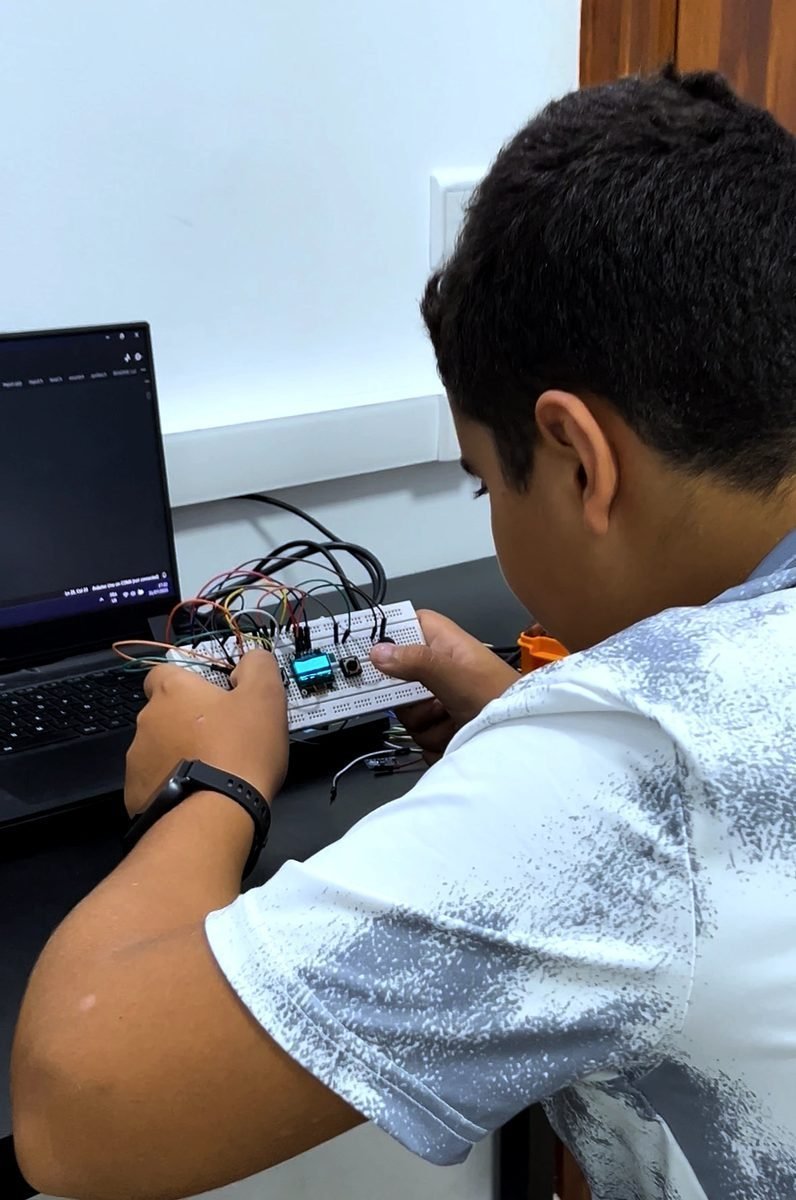
Once theory is mastered, they move to practical application — building circuits on breadboards, programming microcontrollers, designing in CAD, and manufacturing their creations on professional 3D printers.

Datasheet Literacy

Students learn to identify components, locate their datasheets, and extract voltage limits, current ratings, and wiring schematics — like real engineers.

Prompt Engineering

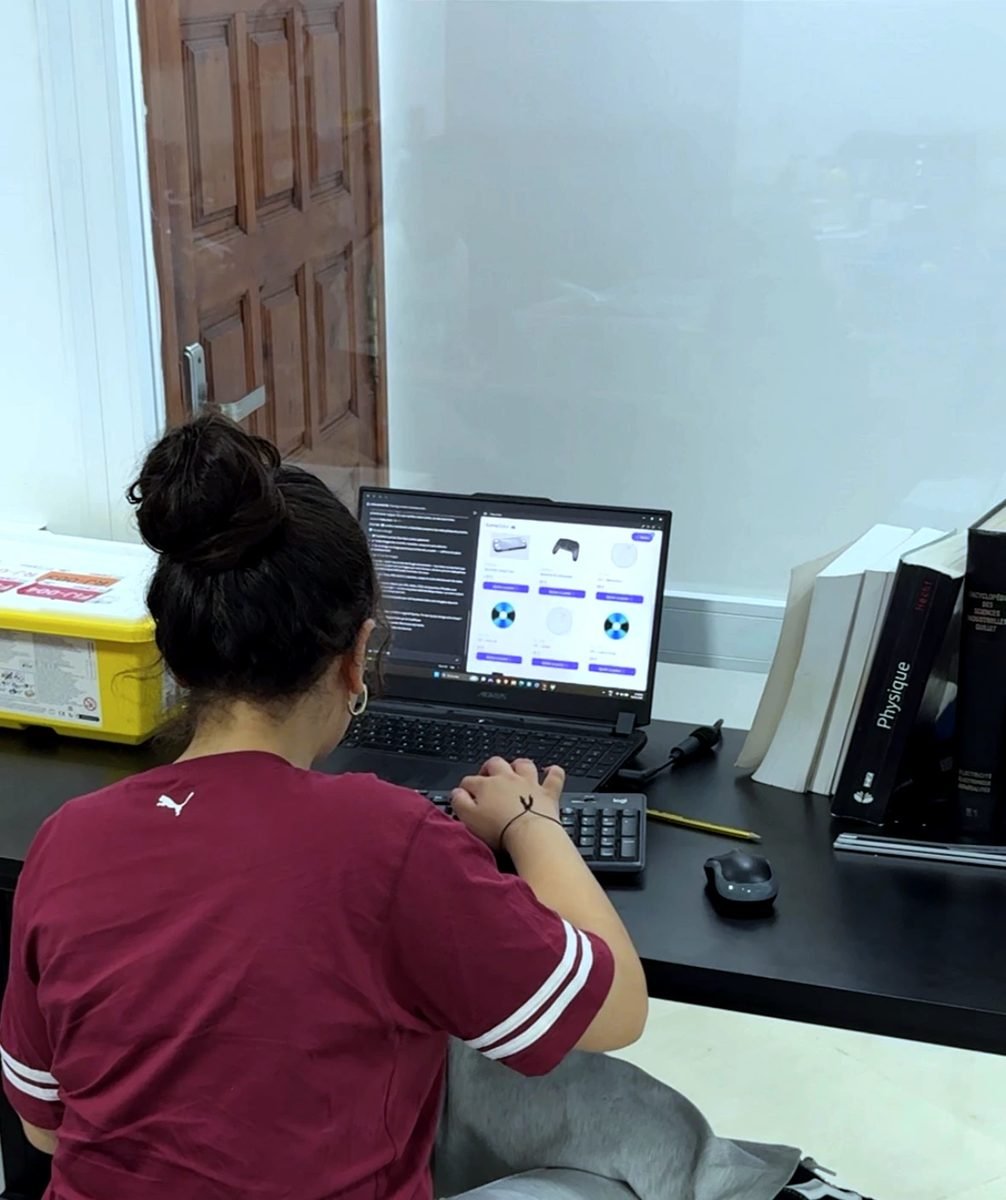
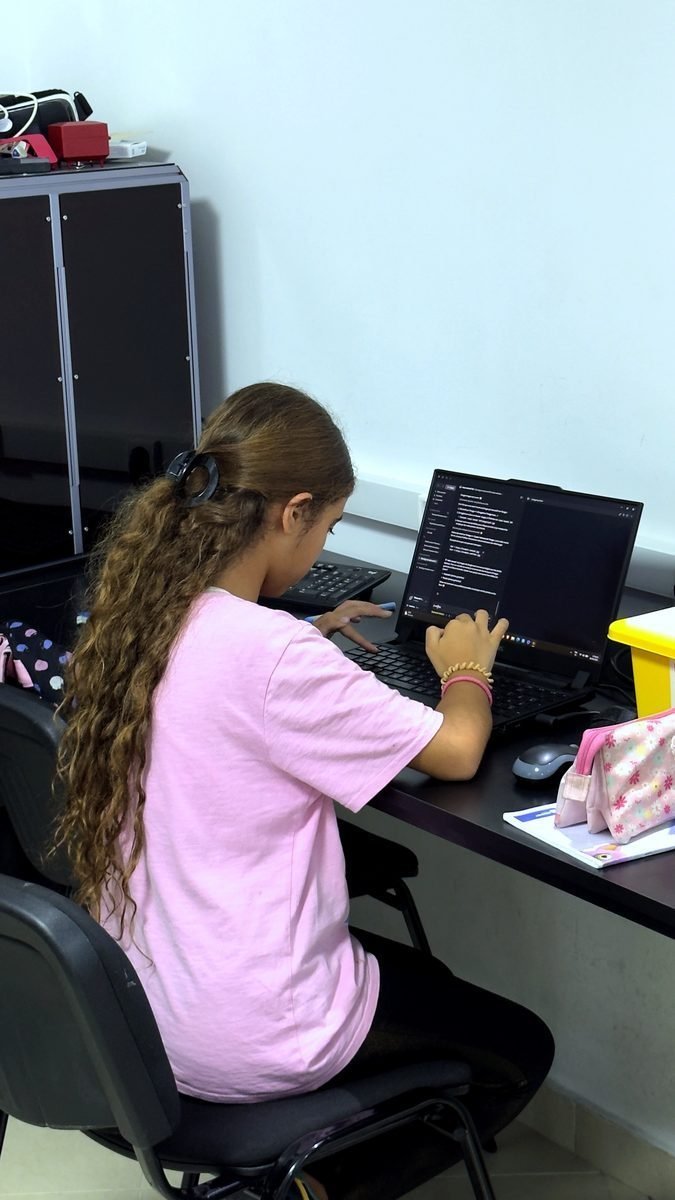
Explicitly taught to use AI for development: write code, execute it in Arduino IDE, paste error logs into AI, iterate. A modern engineering superpower.

Circuit Simulation

Before building physical circuits, students simulate and validate their designs in Proteus — catching errors digitally before wasting components.

Design to Manufacturing

Complete product lifecycle: CAD design in Fusion 360 → slicing & print setup → physical fabrication on FDM/SLA printers → assembly & testing.

Industrial-Grade Skills for the Next Generation

Four pillars of applied engineering, each taught with the same rigor and tools as a university engineering program.

01

Advanced Electronics & Circuit Design

Proteus · Breadboarding · Arduino · ESP32 · Sensor Integration

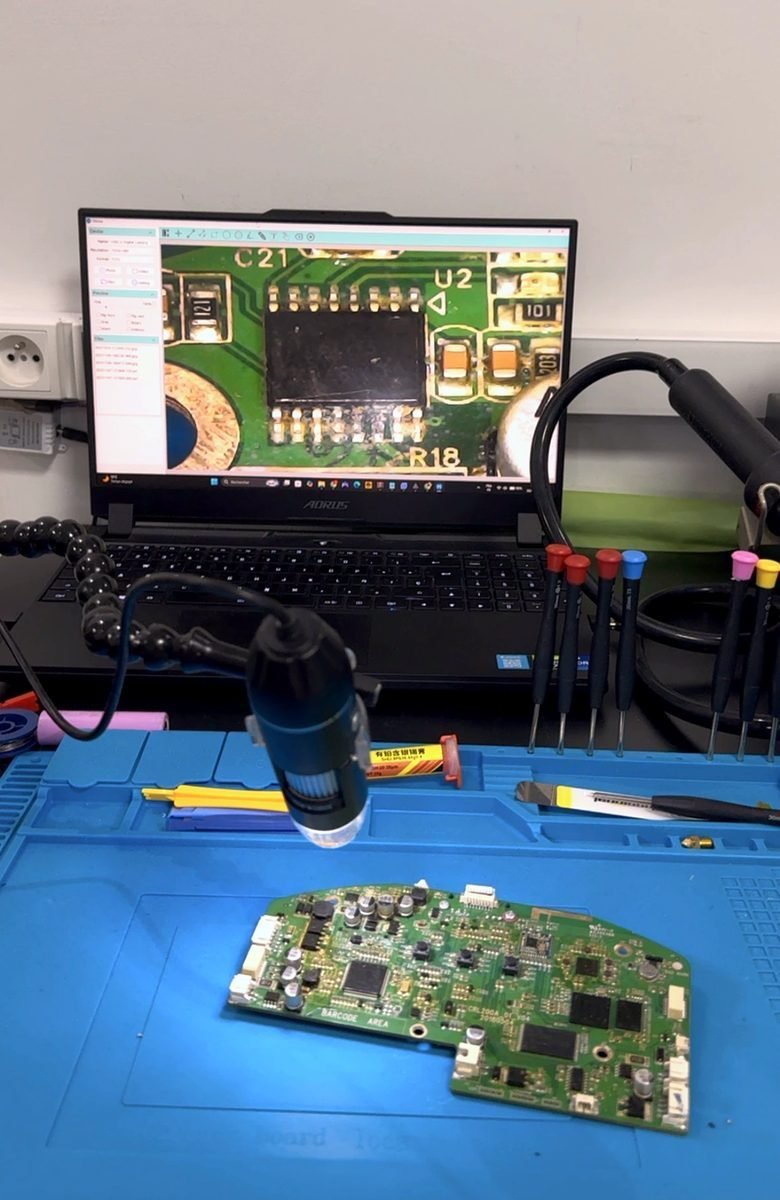
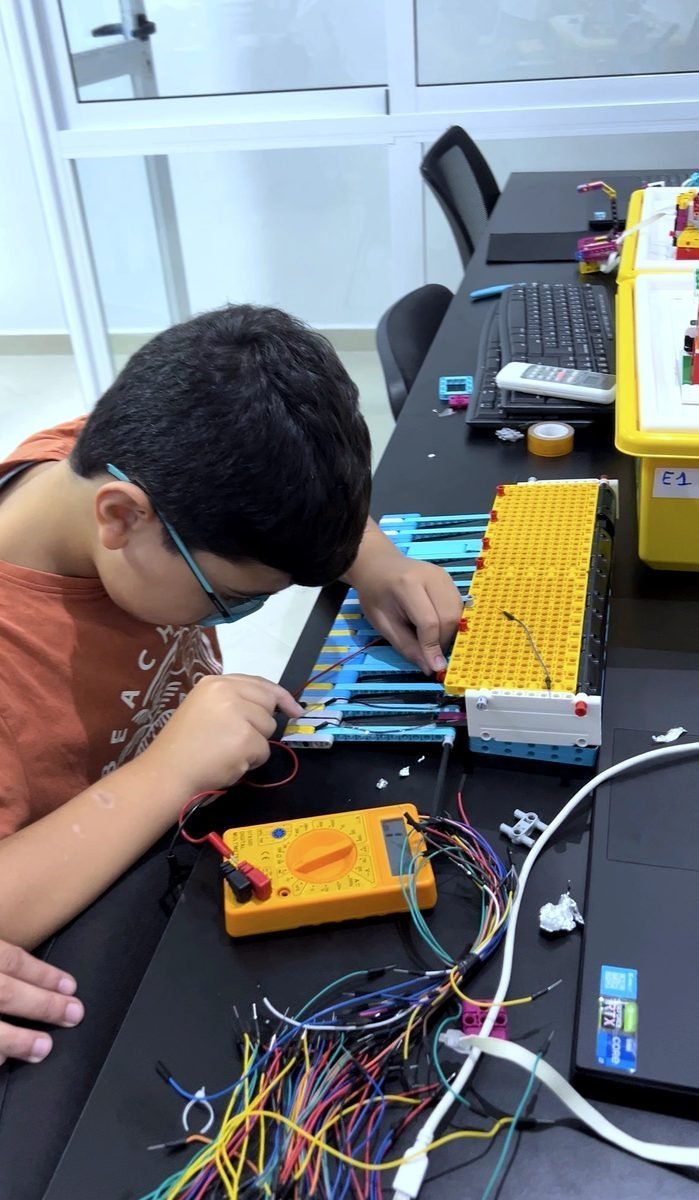
Students begin with theoretical electronics physics — Kirchhoff's current and voltage laws, Ohm's law, power calculations, and the physical behavior of electrons in circuits. They learn to read component datasheets, design circuits in Proteus simulation software, then build and test on physical breadboards. Real-world microcontroller programming on Arduino and ESP32 with diverse sensor-actuator integrations.

Kirchhoff's & Ohm's Laws
Proteus circuit simulation
Breadboard prototyping
Arduino programming
ESP32 applications
Datasheet reading
Sensor & actuator wiring
Power management
02

Modern Software Development

C/C++ · Python · Arduino IDE · Antigravity · Claude Code · Agentic AI Dev

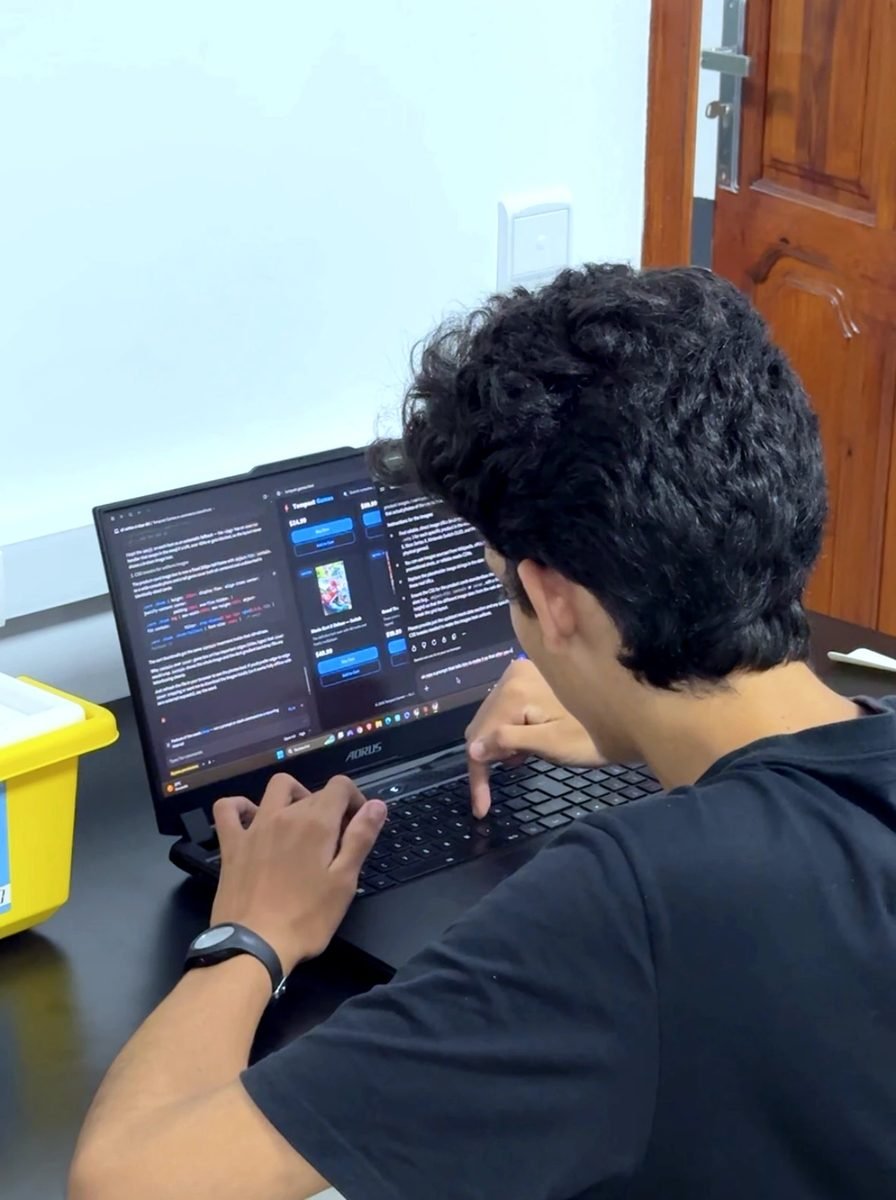
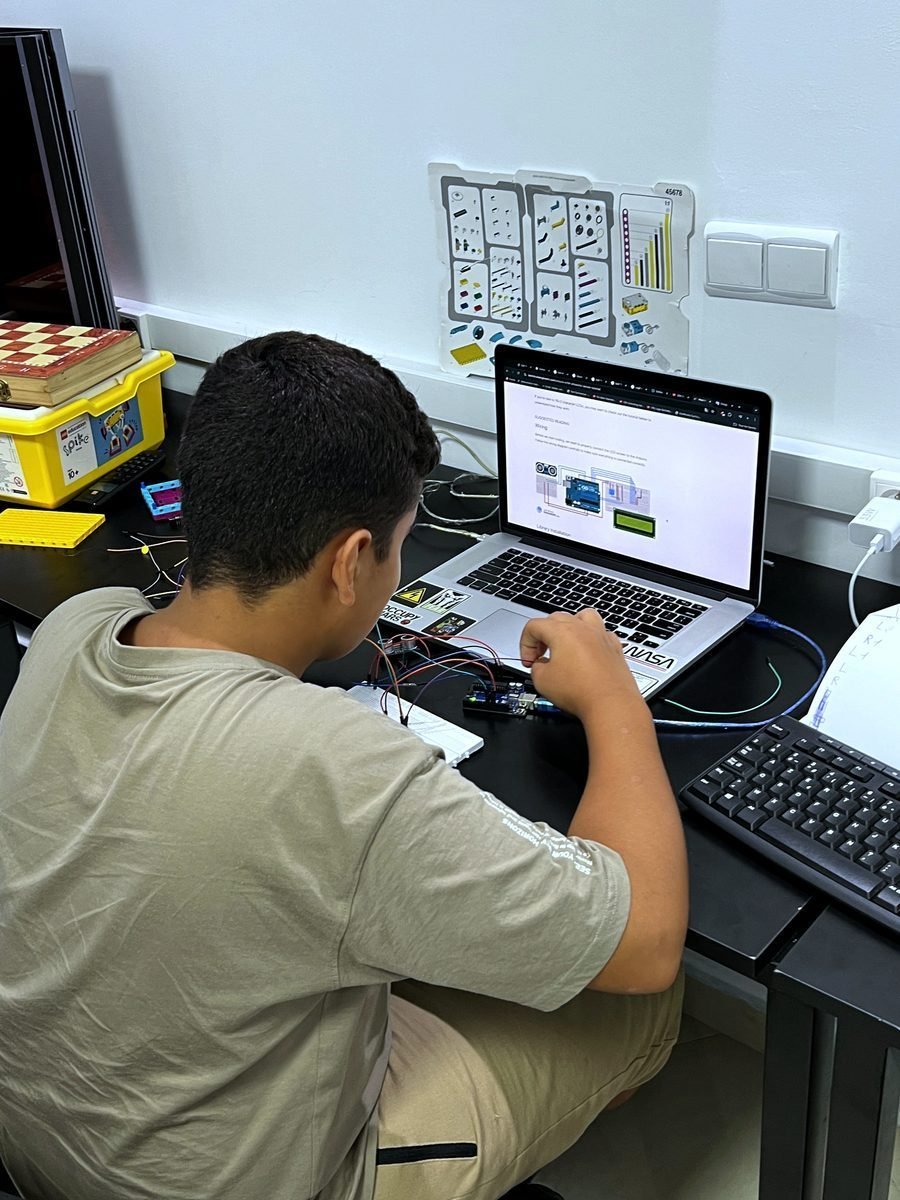
The transition from block coding to real text-based programming. Students write C/C++ for microcontrollers and Python for higher-level applications. Beyond traditional prompt engineering, students learn to work with agentic AI coding tools — Antigravity and Claude Code — where AI agents autonomously write, execute, test, and debug code directly in the terminal. The workflow: describe what you want → the AI agent writes the code, runs it, reads the errors, and fixes them — iterating until the solution works. This is the new frontier of software development, and our students master it from day one.

C/C++ programming
Python fundamentals
Arduino IDE workflows
Prompt engineering
Agentic AI coding (Antigravity)
AI terminal debugging (Claude Code)
Serial communication
Libraries & APIs
IoT connectivity
03

CAD & Additive Manufacturing

Fusion 360 · FDM/SLA Printing · Ender-3 Pro · Snapmaker A350T

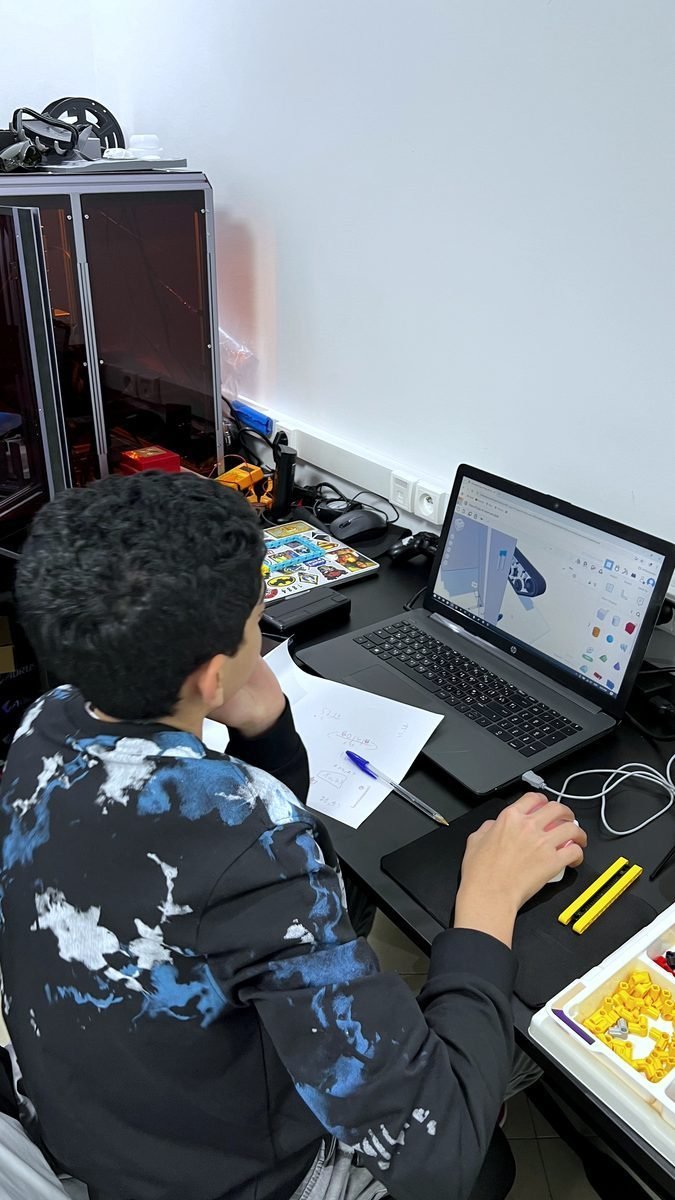
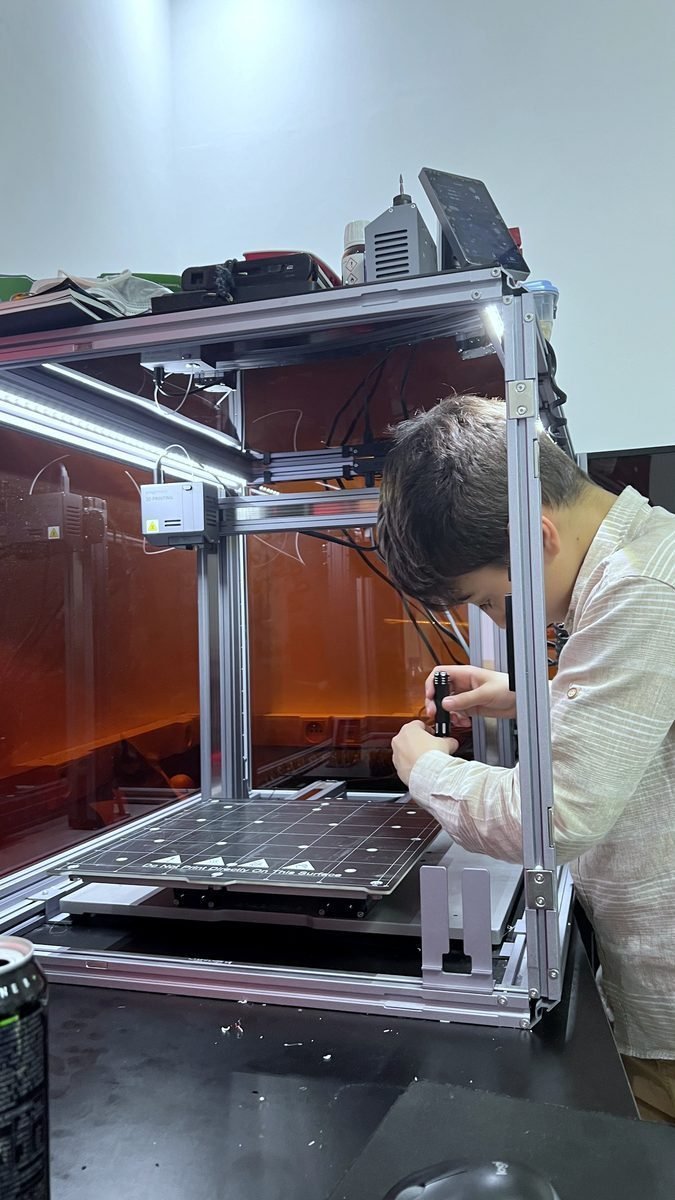
Upgrading from Tinkercad to Autodesk Fusion 360 — the industry-standard professional CAD tool used in real engineering firms worldwide. Students learn parametric modeling, assembly design, and technical drawing. Then they take their digital designs to physical reality using our fleet of 3D printers: learning FDM printing on the Ender-3 Pro and Snapmaker A350T, understanding print parameters (layer height, infill, supports), calibration, and practical manufacturing.

Fusion 360 parametric design
Assembly modeling
Technical drawings
Slicer configuration
FDM print parameters
Printer calibration
Material selection
Structural design
04

Advanced AI Integration

ML Model Training · Dataset Refinement · Accuracy Optimization

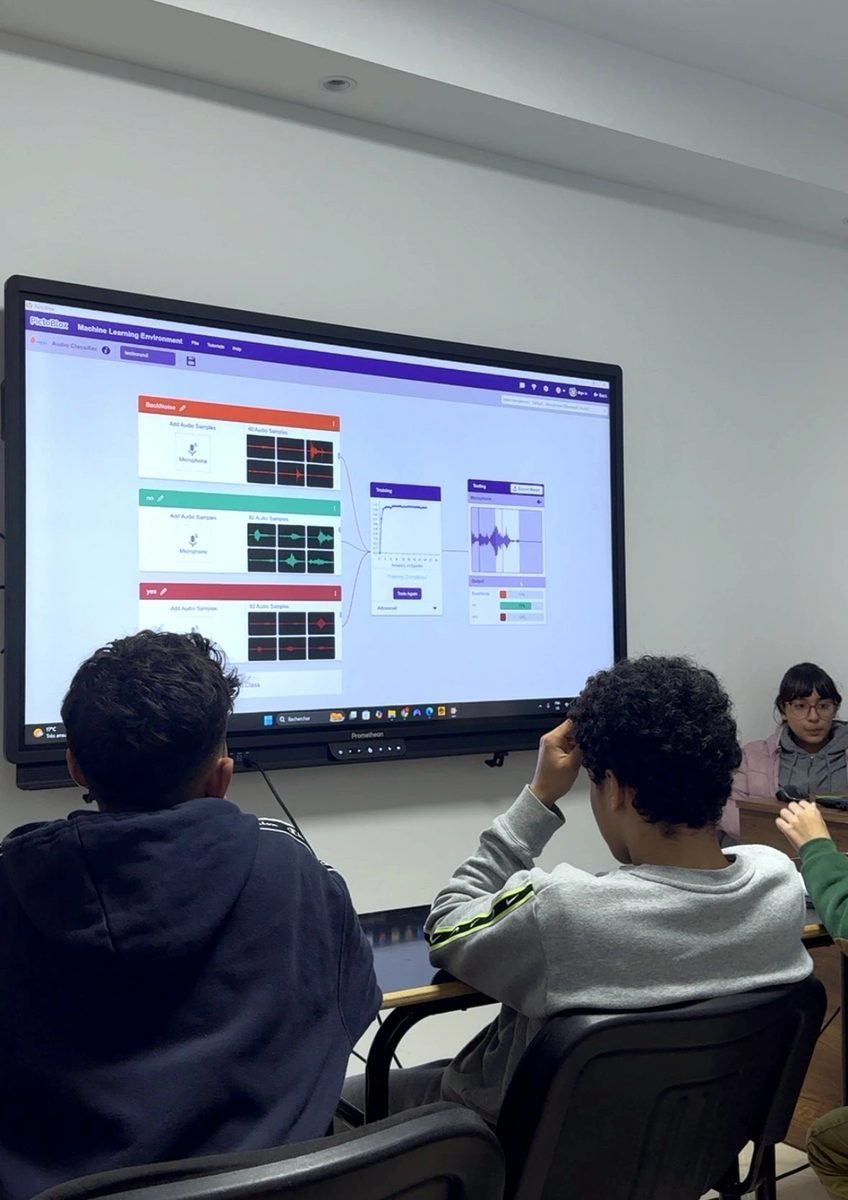
Building on Level 1's AI introduction, students now learn the science behind machine learning model performance. They don't just train models — they iteratively refine datasets, test accuracy, identify failure cases, adjust parameters, and re-train until achieving high precision. They understand bias, overfitting, and the importance of data quality — concepts that define the difference between a toy demo and a production-ready AI system.

Dataset curation
Model accuracy metrics
Iterative refinement
Bias detection
Edge case testing
Python ML libraries

Industry Practices. Not Classroom Theory.

Students follow the exact same development workflows used by professional engineering teams.

Theory → Practice

Every concept starts on paper with physics and mathematics, then moves to simulation, then to physical hardware. No shortcuts.

Simulate Before Building

Proteus for circuits, Fusion 360 for mechanical parts. Validate digitally, then manufacture physically — the professional way.

AI as a Co-Pilot

Students learn to leverage generative AI as a professional development tool — writing, debugging, and iterating on code efficiently.

Datasheet Research

Find the component, find its datasheet, extract the specs. Real engineers read datasheets — our students learn this from day one.

Full Product Lifecycle

Design → Simulate → Code → Print → Assemble → Test → Debug → Iterate. The complete engineering cycle, every project.

Engineer Mentors

Every instructor is an engineer or PhD researcher. They review code, inspect circuits, and challenge designs — like a real engineering lead.

The Exact Tools Used by Professional Engineers

Arduino

The world's most-used microcontroller ecosystem for prototyping and embedded systems

ESP32

Wi-Fi/Bluetooth-enabled microcontroller for IoT projects and wireless communication

Proteus

Professional circuit simulation software for testing designs before physical construction

Fusion 360

Autodesk's professional CAD used by real engineering firms for mechanical design

Ender-3 Pro

Reliable FDM 3D printer for rapid prototyping and structural part fabrication

Snapmaker A350T

Multi-tool manufacturing: 3D printing, laser engraving, and CNC machining in one

Visual Studio Code

The world's most popular code editor, with extensions, debugging and Git built in

Gemini

Google's multimodal AI for research, code generation and prompt engineering

Claude Code

AI-powered terminal agent that writes code, runs commands, fixes errors, and iterates until the solution works

After Level 2, Students Can...

Design & Build Circuits

Simulate in Proteus, prototype on breadboards, and solder permanent circuits with professional tools.

Write Production Code

Program in C/C++ and Python, use libraries, handle serial communication, and build IoT-connected systems.

Engineer in CAD

Design complex mechanical parts in Fusion 360 with parametric modeling, assemblies, and technical drawings.

Manufacture Parts

Operate FDM and resin 3D printers, configure print parameters, and produce functional mechanical components.

Train & Refine AI Models

Curate datasets, train ML models, measure accuracy, and iteratively improve performance to production quality.

Read Datasheets

Independently research components, extract electrical specifications, and design integration circuits.

Ready for Real Engineering?

Book a visit to see our Level 2 students designing circuits in Proteus, coding in C++, and manufacturing parts on professional 3D printers.